How Resources help
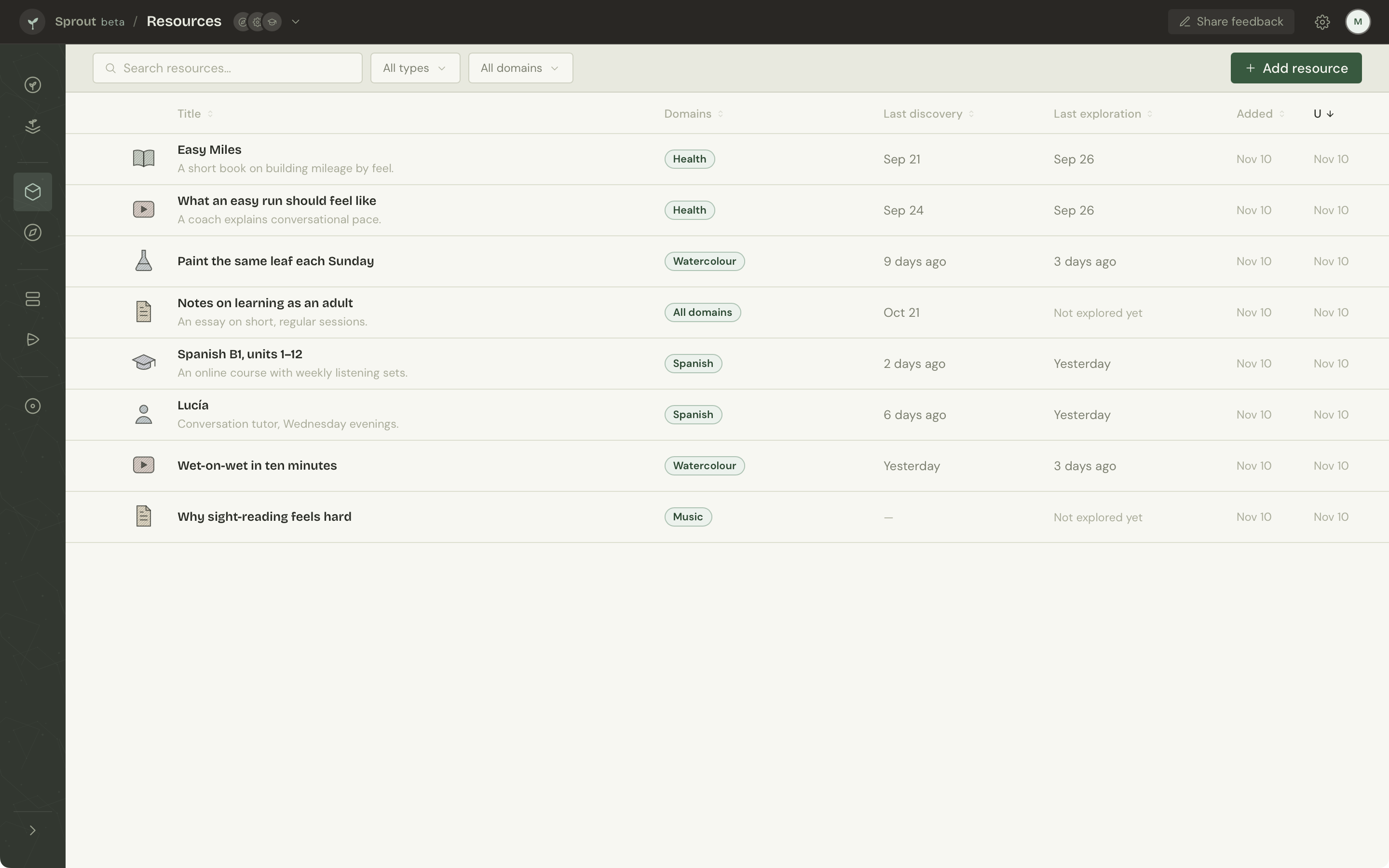
Resources keep everything you want to learn from in one catalog. When you are ready to explore further, the next book or course is already waiting, along with everything you found in it last time.
How it works
- 1. Save a resource
Add a book, course, video or article to your catalog.
- 2. Study it
Work through it and log Discoveries as you go.
- 3. Come back
Return to find more topics and skills to build on.
Key terms
- Resource
- Anything you learn from: a book, course, video or article.
- Catalog
- Your saved collection of Resources.
- Discovery
- A note you log while working through a Resource.
FAQ
How should I use Resources?
Save anything you want to learn from as you come across it, so your catalog becomes a running list of what to study next. When you are ready, open a Resource in the Explorer, work through it, and log what you find as Discoveries you can put into practice.
What types of resources can I save?
Books, courses, videos, articles and much more.
What is the difference between a Resource and a Discovery?
A Resource is the source you learn from. A Discovery is what you take away from it.
Can I take traditional notes on my resources?
Yes. When you study a Resource in the Explorer, each exploration has a Scratchpad: a freeform, plain-text page for traditional notes, saved automatically as you type.