How the Explorer helps
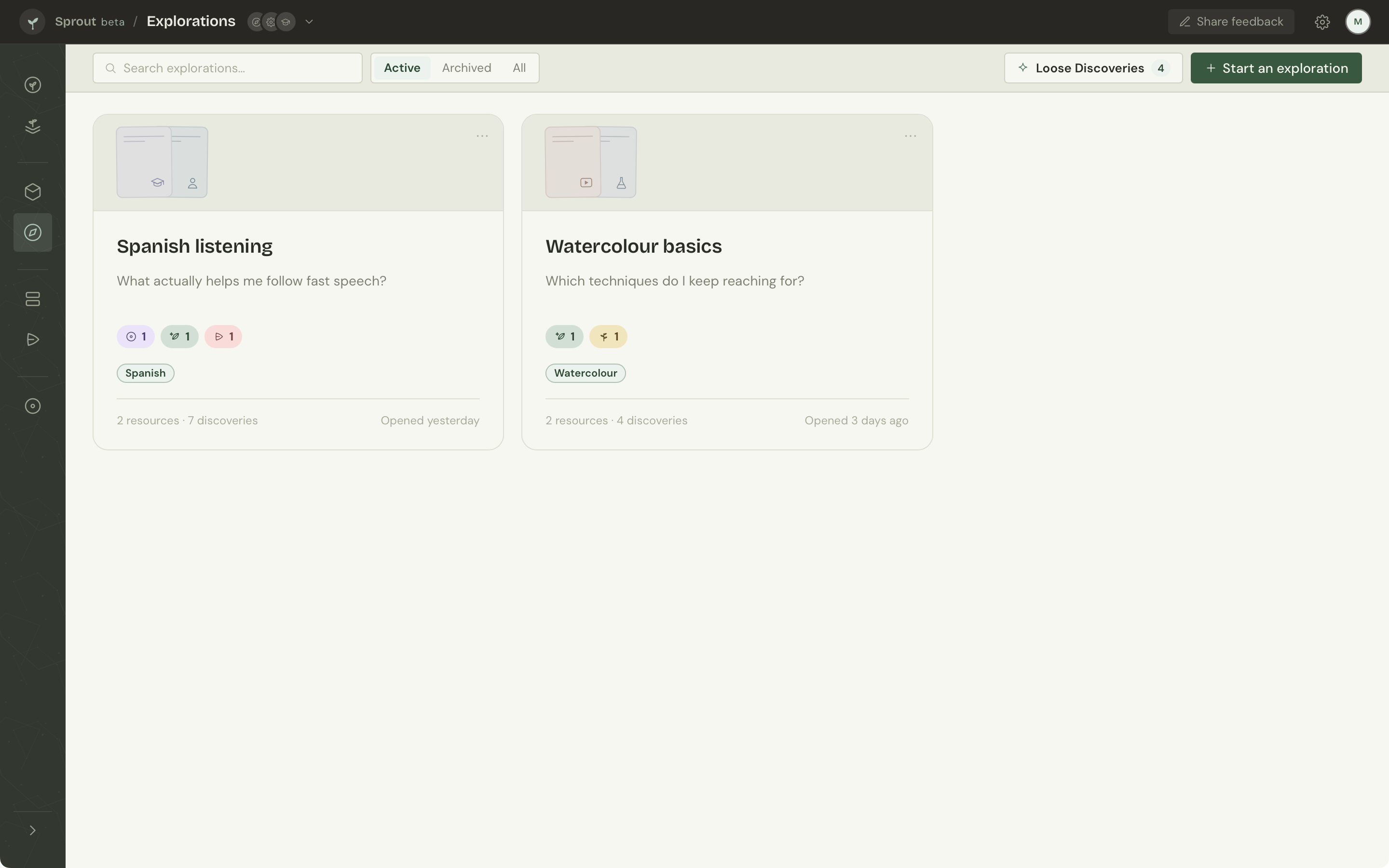
The Explorer supports long-term, in-depth study. It keeps everything you have found in a subject in one place, so each session builds on the last and leads to new topics, skills and resources.
How it works
- 1. Choose resources
Select one or more resources you want to study.
- 2. Log Discoveries
Capture skills, topics and activities as you work through them.
- 3. Review and continue
Return later and see everything grouped by source, ready to review or edit.
Key terms
- Resource
- A book, course, video or article you learn from.
- Discovery
- A short, taggable note you log while studying.
- Source group
- Discoveries collected under the resource they came from.
FAQ
Can I study more than one resource at a time in the Explorer?
Yes. You can pick one or more resources and see Discoveries from all of them, grouped by source.
What is the Explorer best used for?
Long-term deep dives into a subject, with the goal of finding new topics, skills and resources.
What is the Scratchpad?
The Scratchpad is a freeform, plain-text page attached to each exploration. Use it for rough thoughts, quotes or questions that are not ready to become Discoveries yet.
Can I write traditional notes?
Yes. The Scratchpad gives every exploration space for traditional notes, saved automatically as you type.
Does the Explorer help me learn?
Not directly. Learning comes from practice! The Explorer helps you find what is worth practicing or knowing and keeps that information organized.